
Host Resources
Property Photos That Help Guests Understand the Space Before Booking
Create a truthful, useful property gallery with a room-by-room shot list, stable camera positions, restrained editing, privacy checks, and a final upload review.
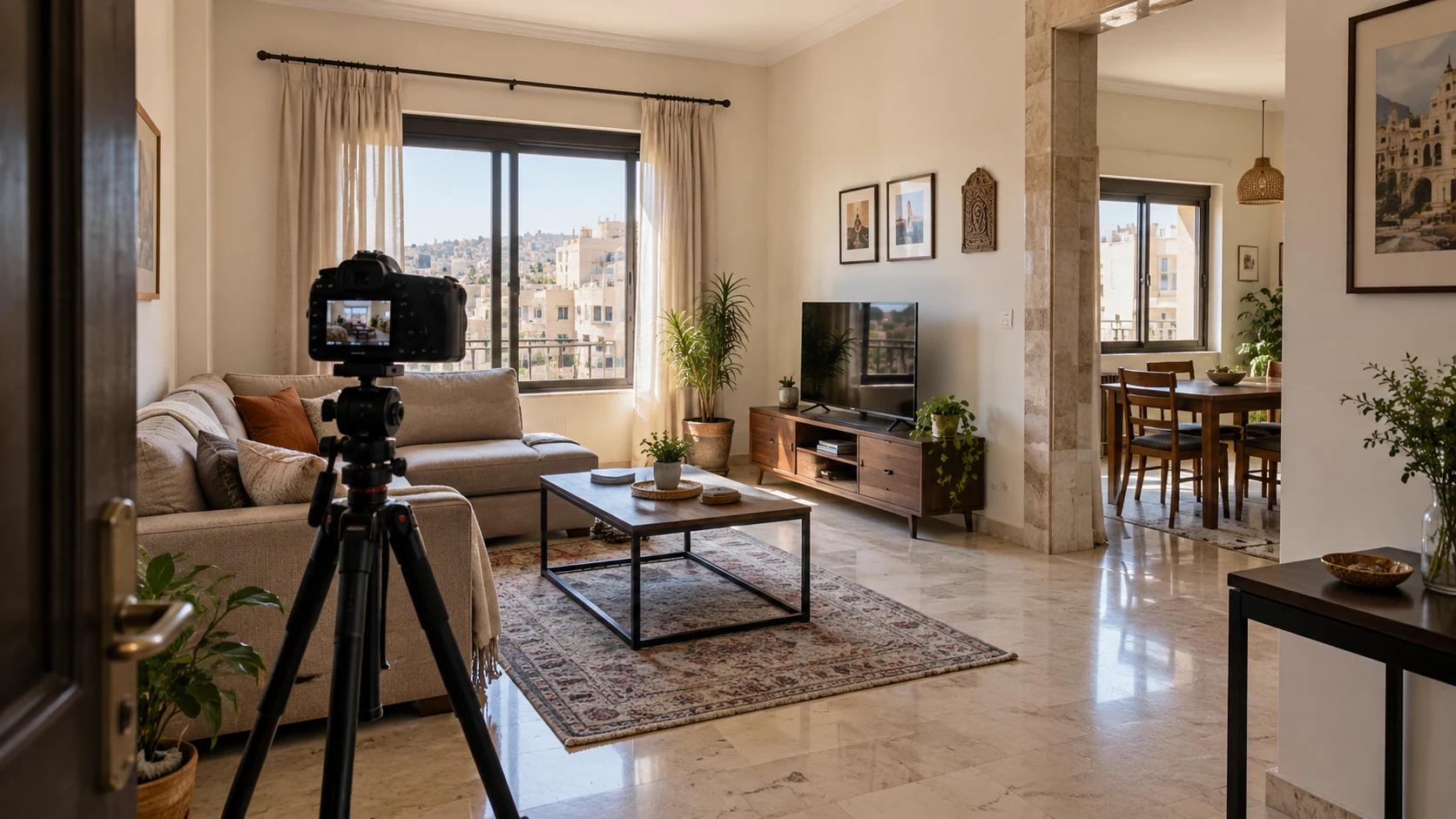
Good vacation rental photography Syria hosts can produce is not about making rooms look larger or more luxurious than they are. It is about helping a guest understand the complete bookable space before committing: the room layout, sleeping arrangements, shared and private areas, access, useful amenities, and any physical feature that may affect the stay.
Build the gallery in a repeatable order. Prepare the real space, make one room-by-room shot list, use even natural light, photograph from stable positions, add honest detail views, protect private information, and review the finished sequence as a guest would. A modern phone or camera can work; accuracy, consistency, and coverage matter more than expensive equipment.
Travellers choosing a base for their own camera outings can use the photography-focused city-stay guide; it covers accommodation planning rather than listing photography.
Plan vacation rental photography in Syria room by room
Start with the listing promise. Write down every space a guest can use, then match each space to at least one useful photograph. A complete apartment listing photos plan normally covers the entrance context, living area, kitchen, each bedroom, each bathroom, dining or work space, balcony or courtyard when included, and the route between important areas. Photograph a shared area only if guests really have access to it, and label it as shared in the listing.
- Lead with one clear exterior or arrival-context image only when it can be shared safely and does not reveal a private exact address.
- Use a wide establishing view for every main room, followed by another angle only when it explains layout, access, or a feature the first image misses.
- Show every sleeping setup guests may use, including sofa beds or additional beds, in a way that makes their real size and position understandable.
- Include each bathroom and show the shower or bath arrangement without using a mirror angle that captures the photographer.
- Photograph stairs, narrow passages, low clearances, or other material access conditions instead of cropping them away.
- Finish with a small number of useful details such as a workspace, appliance, storage area, view, or outdoor seating—not decorative objects alone.
The broader Host readiness checklist covers identity, property details, pricing, availability, and submission. Use this guide only for the focused photography pass, then return to that checklist before treating the listing as ready.
Prepare the real space without staging a false promise
Clean and reset the home to the standard a guest should actually receive. Open curtains when the outside light is useful, replace failed bulbs, straighten bedding, clear cleaning supplies, and remove temporary clutter. Keep normal furniture and included equipment in their true positions. Moving a table for a cleaner composition is different from removing it to make a walkway look wider; the second choice can misrepresent daily use.
Helpful preparation
Consider it for: Cleaning surfaces, aligning curtains, making beds, switching off screens, and arranging included items so their purpose is easy to read.
Verify: The finished room should still match the layout, furniture, and equipment guests will encounter.
Useful disclosure
Consider it for: Showing stairs, compact rooms, shared spaces, street-facing windows, or access features that may shape a guest’s decision.
Verify: These photographs may be less decorative, but they reduce ambiguity and help the right guest choose the property.
Misleading staging
Consider it for: Nothing: borrowed amenities, removed furniture, invented views, or a setup that cannot be provided should not appear in the gallery.
Verify: A more dramatic image can create a promise the real stay cannot meet and should be rejected during the review.
Use stable camera positions and believable light
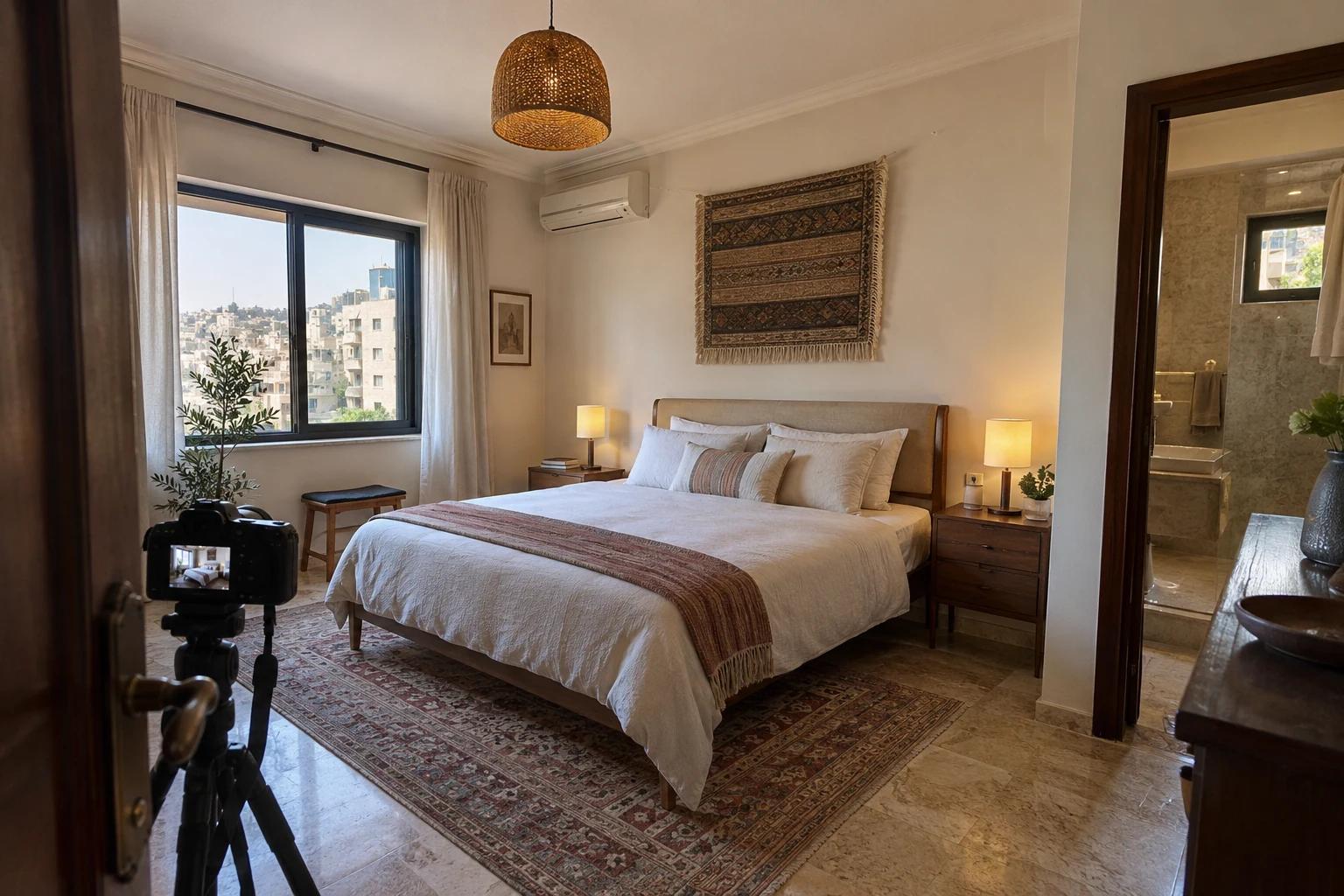
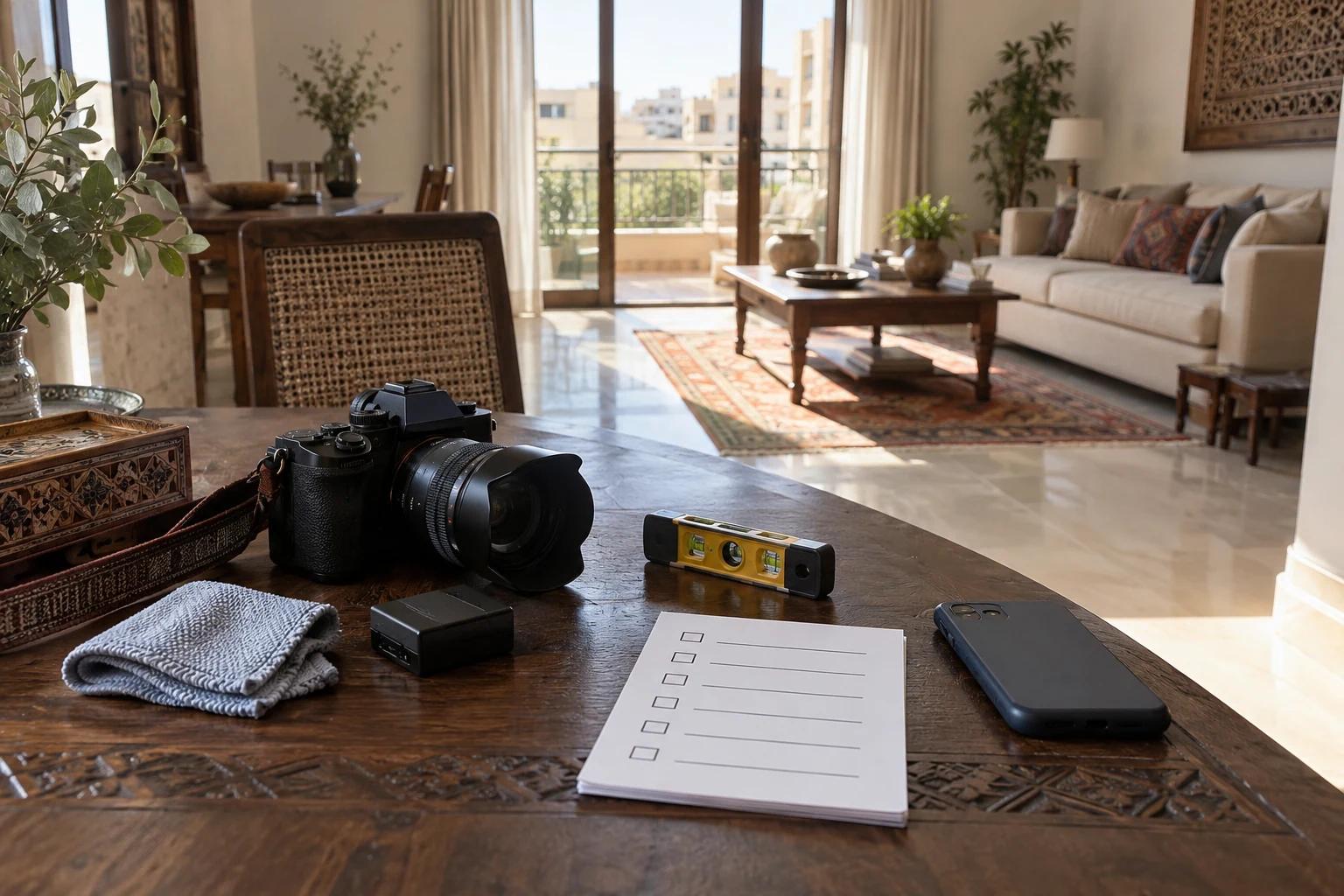
Practical property photography tips begin with stability. Clean the lens, hold the device level, and use a tripod or another safe stable support when the room is dim. Position the camera around the natural viewing height of the space rather than close to the ceiling or floor. A doorway or corner can reveal circulation, but avoid forcing the lens against a wall simply to capture an unnaturally wide view.
Shoot when daylight is even enough to see both the room and its important features. Mixed lighting can make walls and bedding change colour from frame to frame, so compare the result on a larger screen. If a bright window turns the room black, adjust exposure or return at a better time. Do not replace the view, manufacture a blue sky, or brighten the image until the real condition disappears.
- Keep doorframes, wardrobes, and wall edges vertical unless the building itself is visibly irregular.
- Avoid digital zoom; step carefully to a better position or use the main camera when possible.
- Take two or three deliberate versions from one position, then choose the sharpest instead of uploading near-duplicates.
- Check mirrors, glass, television screens, and polished surfaces for reflections before leaving the room.
- Review dark corners and bright windows at full size so exposure correction does not hide damage or create false detail.
Edit for clarity, privacy, and consistency
Editing should make the files consistent, not reconstruct the property. Straightening, restrained exposure correction, accurate white balance, and a consistent crop can help. Removing permanent objects, adding a view, changing wall or furniture colours, stretching the room, or applying a heavy filter crosses into misrepresentation. Keep enough resolution for the platform preview and inspect the exported file rather than trusting a small editing thumbnail.
Before upload, zoom into every host listing photos file. Remove any frame that shows an identity document, family portrait, mail, door number, vehicle plate, access code, Wi-Fi password, security-system screen, reflection of a person, or information on a calendar or noticeboard. If a private detail is central to the frame, retake the photograph instead of depending on a blur that might fail.
The guest-side holiday-rental review guide explains what people may infer from listing evidence. Use it as a final reality check: can a viewer distinguish the sleeping areas, bathroom arrangement, shared facilities, access, and material limitations without guessing?
Upload, order, and review the final gallery
Open the property editor after the files are ready. The current editor accepts JPG, PNG, or WebP files, allows up to 12 stored property photos, and limits each file to 10 MB. It accepts up to 10 selections at once and sends smaller upload batches behind the interface. Every stored photo must have a valid room or area label before the property can move through review. Treat those figures as the current implementation and recheck the live editor if the interface changes.
Order the short stay property photos like a calm walk through the home: a representative opening image, main living area, kitchen or dining space, bedrooms, bathrooms, secondary spaces, and useful access or outdoor context. Do not let five similar living-room angles push the only bathroom image to the end. Preview the gallery at desktop and phone width, read every room label, and remove files that are blurred, repetitive, outdated, or unrelated to the bookable property.
- Confirm every image belongs to this exact property and reflects its current condition.
- Make the opening image representative, sharp, and understandable when cropped as a card.
- Assign the correct room or area label to every stored file.
- Check the final sequence for missing rooms, repeated angles, private data, reflections, and inconsistent colour.
- Save the draft and inspect the result before submitting; do not repeat the action while an upload is still processing.
Practical answers
Frequently asked questions
Do I need a professional camera for property photos?
No specific camera is required by this guide. A recent phone or dedicated camera can produce useful results when the lens is clean, the device is stable, the light is even, and the gallery covers the real space accurately. Review full-size files before upload because a small screen can hide blur and exposure problems.
How many property photos should I upload?
Use enough photographs to explain every guest-accessible room, sleeping setup, bathroom, shared area, and material access condition without near-duplicates. The current editor stores up to 12 property photos, but completeness and clarity matter more than filling every slot. Recheck the live form for current limits.
Can I edit out objects or improve the view?
Use restrained edits for straightening, exposure, colour accuracy, and consistent cropping. Do not remove permanent features, stretch rooms, change finishes, add amenities, replace a window view, or conceal damage. Retake a frame when a temporary private item or reflection cannot be removed safely before the photograph is made.
When should listing photographs be replaced?
Replace any image that no longer matches the property after a layout, furniture, amenity, access, sleeping-capacity, or condition change. Also replace files that reveal private information, are too blurred to explain the room, or belong to an earlier version of the space.