
Host Resources
How to List Your Property for Short Stays: A Host Readiness Checklist
Prepare a property for ShamStay review with a practical checklist covering Host approval, truthful listing details, photos, pricing, and availability.
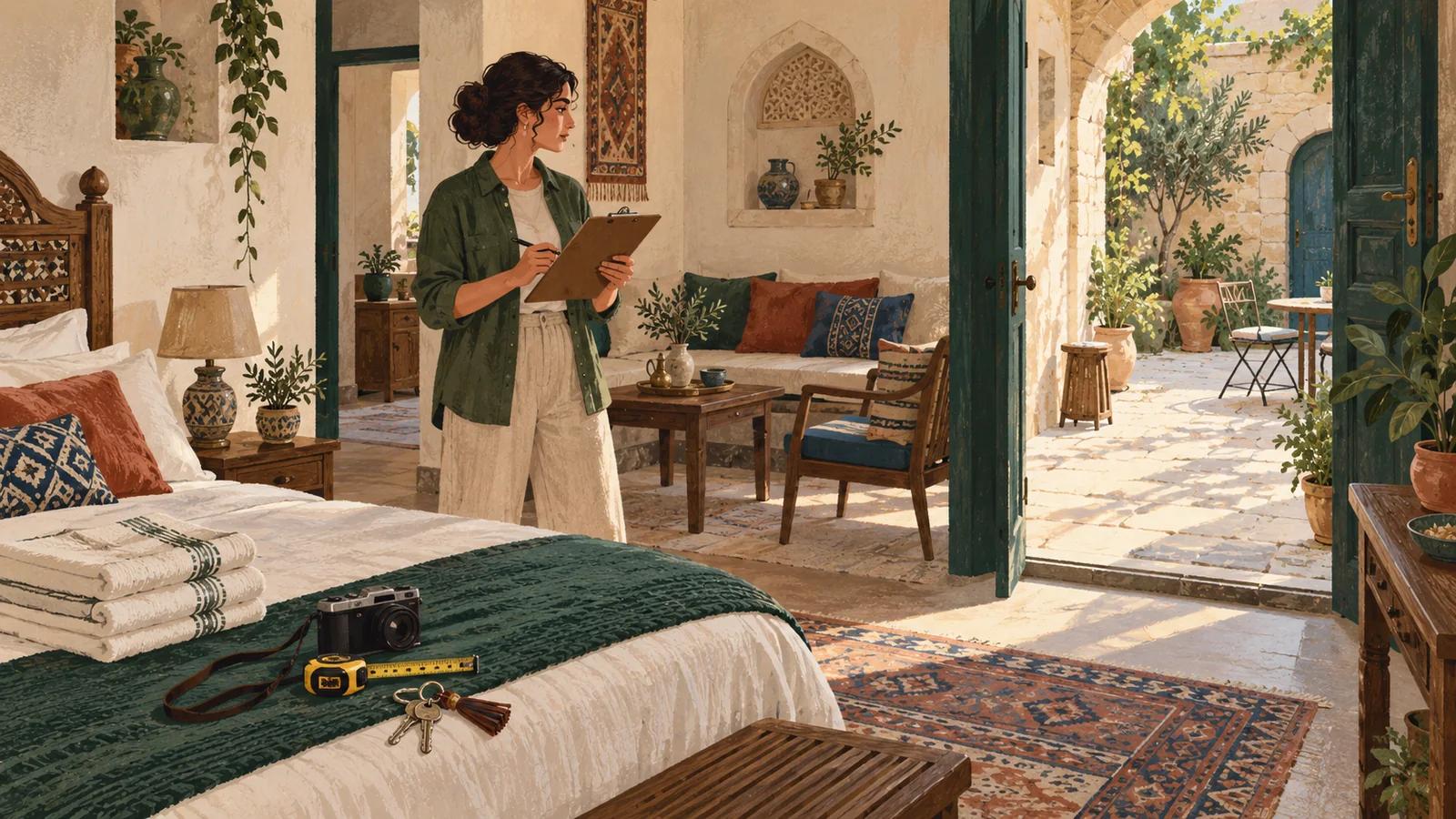
Learning how to list a property for short stays in Syria starts before the listing form. Confirm that you are allowed to host the property, prepare the Host account and identity evidence, inspect the home from a guest’s perspective, collect accurate room details and photos, choose rates you can maintain, and build a reliable availability process. Only then is the property ready for review.
ShamStay separates a private draft from an approved public listing. You can prepare information while the Host application is moving through review, but submitting and publishing depend on verified identity, an approved Host application, a confirmed property location, categorized photos, and complete listing details. Approval is never implied by creating a draft.
How to list a property for short stays in Syria: start with readiness
Begin with the property, not promotional copy. Walk through every guest-accessible area and decide whether the space is lawful to offer, complete enough to describe honestly, and practical to operate between bookings. The public ShamStay Host guide explains eligible property types, evidence, safety responsibilities, and the current Host economics. Use that live guide for platform details that can change.

- Authority: ownership, lease, management agreement, or written permission that supports your right to host.
- Condition: clean, habitable rooms, secure entry, working essentials, and any known hazard addressed or disclosed.
- Capacity: a defensible maximum guest count matched to real bedrooms, beds, bathrooms, and sleeping spaces.
- Evidence: current photographs of the areas guests will use and information that connects the Host to the property.
- Operations: a realistic plan for arrivals, cleaning, communication, maintenance, rates, and unavailable dates.
- Local requirements: current permission, registration, insurance, tax, building, or tourism obligations checked with the appropriate authority.
Prove the Host and the right to host
Create a dedicated account through Host registration, verify the email address, and complete the account steps presented after sign-in. The identity verification screen handles phone verification and the private identity-evidence workflow. An upload can remain pending or require correction, so rely on the saved status rather than assuming completion.
The separate Host application asks how you host, where you operate, and how you are authorized. An owner, manager, agency, or hospitality business may need different supporting details. Save a draft until the information is complete, then acknowledge the current commission shown in the application and submit once for administrator review.
Identity review
Consider it for: Confirming the person behind the Host account through the private verification workflow.
Verify: Wait for the recorded decision; a submitted document is not the same as a verified identity.
Host application
Consider it for: Explaining the Host type, contact location, business details where applicable, and authority to operate properties.
Verify: Editing can lock while review is active, and an administrator may request more information.
Property review
Consider it for: Assessing one specific listing, its location, photos, stay details, and publication readiness.
Verify: Host approval does not automatically approve every property; each listing has its own status.
Describe the stay a guest can actually book
Open the new property editor only when you can answer the form from evidence. Enter a clear title, the correct property type, the confirmed location, maximum guests, and the rate fields shown by the editor. The listing also needs a useful description and real counts for bedrooms, beds, bathrooms, and sleeping spaces before it can be submitted.
Someone trying to list an apartment in Syria should describe the unit guests will receive—not the whole building, an ideal future renovation, or a nearby property. If an entrance, kitchen, bathroom, courtyard, or roof area is shared, say so. List only amenities that work and can be provided consistently, and make the house rules specific enough to guide a booking decision.
- Use one property type that matches the bookable space.
- Count only beds and sleeping spaces that will be prepared for guests.
- Separate private areas from shared areas in the description.
- Explain stairs, access, cameras, hazards, or other material conditions in the appropriate fields.
- Check the public location wording while keeping the exact address inside the platform’s private controls.
- If you add Arabic SEO fields, complete the full Arabic set rather than leaving a partial translation.
Photograph the complete space, not just its best corner
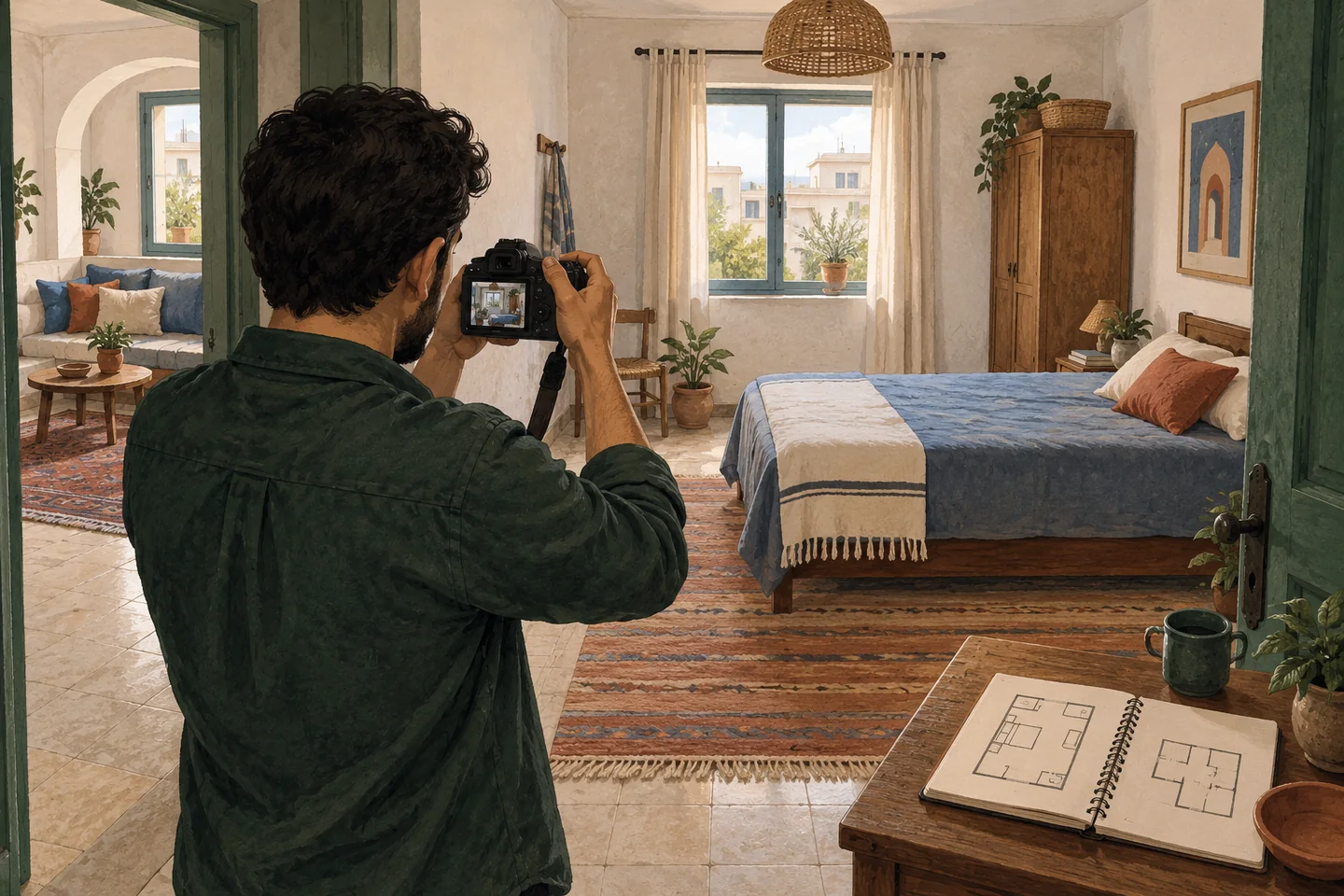
Photographs should help a guest understand scale, condition, circulation, and sleeping arrangements. Start with a clean room in even daylight, take a broad view from the doorway, then add useful angles without hiding awkward features. Include every important guest-accessible area and avoid filters or extreme lenses that materially change colour or proportion. Use the focused property photography guide for a room-by-room shot list, privacy checks, and gallery review.
ShamStay requires at least one stored property photo before submission, and every photo must be assigned to a room or area. A vacation-rental Host in Syria should also check that an upload contains no identity document, address label, vehicle plate, private family photograph, or other personal information. Review the final gallery in order, not only the individual files.
Set rates and availability you can maintain
Enter the nightly rate and any separate cleaning fee through the Host editor, then review the unit and currency shown there. Do not copy a competitor’s price or use this article as a pricing promise. Build the rate from your real operating costs, the property’s actual standard, and the current platform information available to the account.
Availability needs an owner, too. Decide who updates the property when personal use, maintenance, another booking source, or a temporary closure blocks dates. If the listing type offers calendar synchronization or inventory controls, configure and test them before relying on them. If the current tools cannot represent the property accurately, pause and contact ShamStay support rather than publishing dates you may not honour.
Preview, submit, and follow the property status
Preview the listing as a guest before submitting. Compare the title, description, capacity, room labels, gallery, location context, rules, rate fields, and arrival information against the home. The guest booking checklist is useful here because it shows the questions a first-time guest is likely to ask before checkout.
- Draft: keep editing until the information and stored photos are complete.
- Submitted: wait for review instead of repeatedly sending the same action.
- Changes requested or rejected: read the recorded reason, correct the relevant evidence or listing field, and resubmit only when ready.
- Approved: complete the Host publication action when the property is still accurate and available.
- Published: monitor the property, bookings, messages, availability process, and any material change that guests need to know.
The important distinction is simple: submitted means under consideration, approved means eligible for the next controlled step, and published means the listing can enter public discovery. If the property changes after review, update the listing through the available workflow instead of letting the public version drift away from reality.
Practical answers
Frequently asked questions
Can I create a property draft before my Host application is approved?
Yes, the platform can keep a private draft while the application is reviewed. You still need verified identity, an approved Host application, acknowledged commission terms, confirmed location, stored categorized photos, and complete property information before submitting or publishing.
Does Host approval automatically publish my property?
No. Host approval and property approval are separate. Submit each complete property for review, respond to any requested changes, and use the publication action only after that listing reaches its approved state.
How many photos do I need before submission?
The current workflow requires at least one stored photo and a room or area label for every image. Readiness usually requires more than the technical minimum: show the complete bookable space honestly, including the sleeping setup, bathroom, access, and shared areas relevant to guests.
What should I do when property details change after approval?
Update the listing through the Host workflow before relying on the old public information. Recheck availability, rate fields, capacity, amenities, rules, photos, and arrival details, and contact support when a material change cannot be represented accurately.